
Игры, которые
стоит забрать
Отбираем лучшее: скидки, раздачи и неожиданные хиты.
Экономим время. Лутаем лучшее.
Во что поиграть вечером
Ещё стоит залутать
Eternitubes 3D
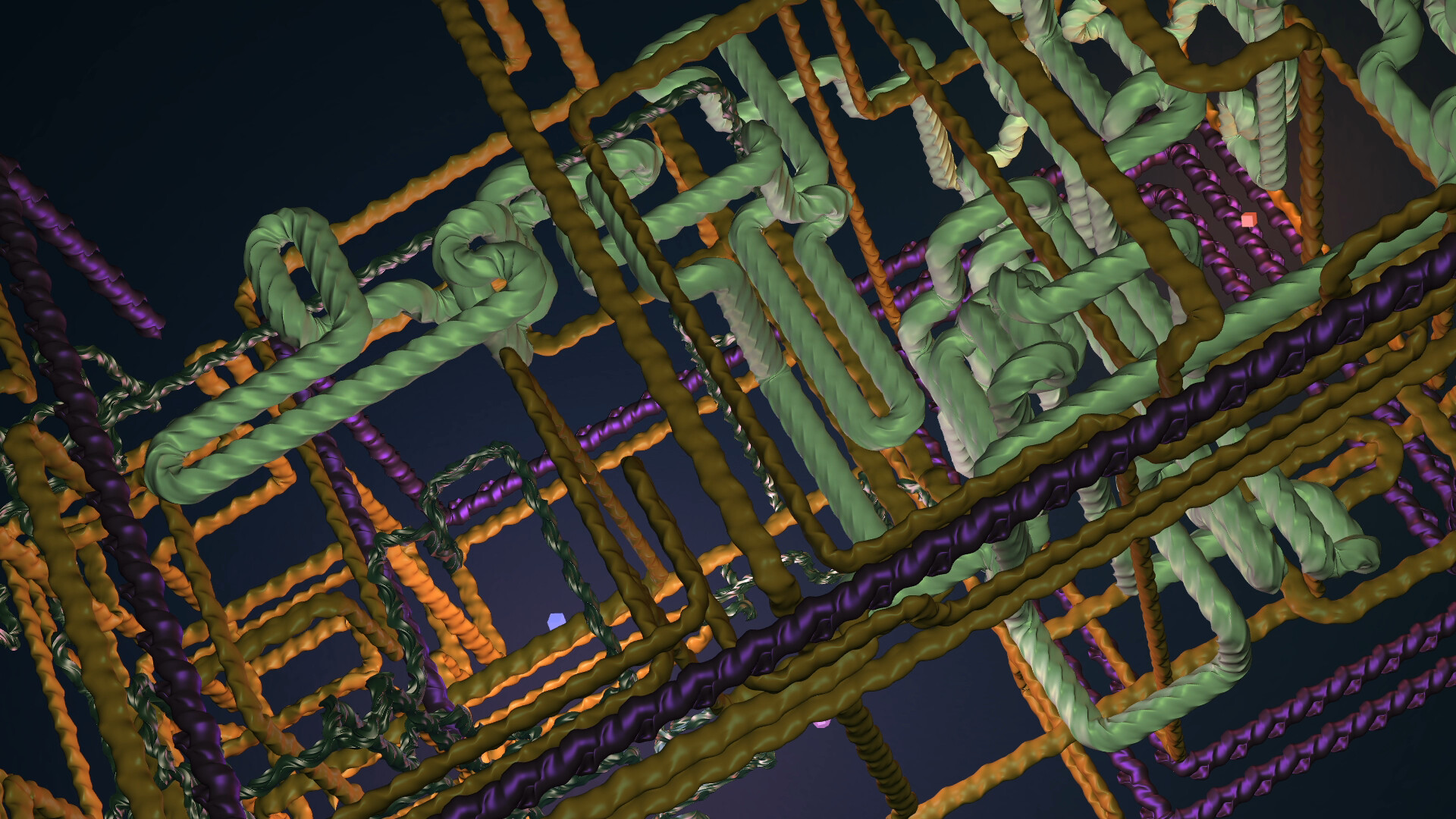
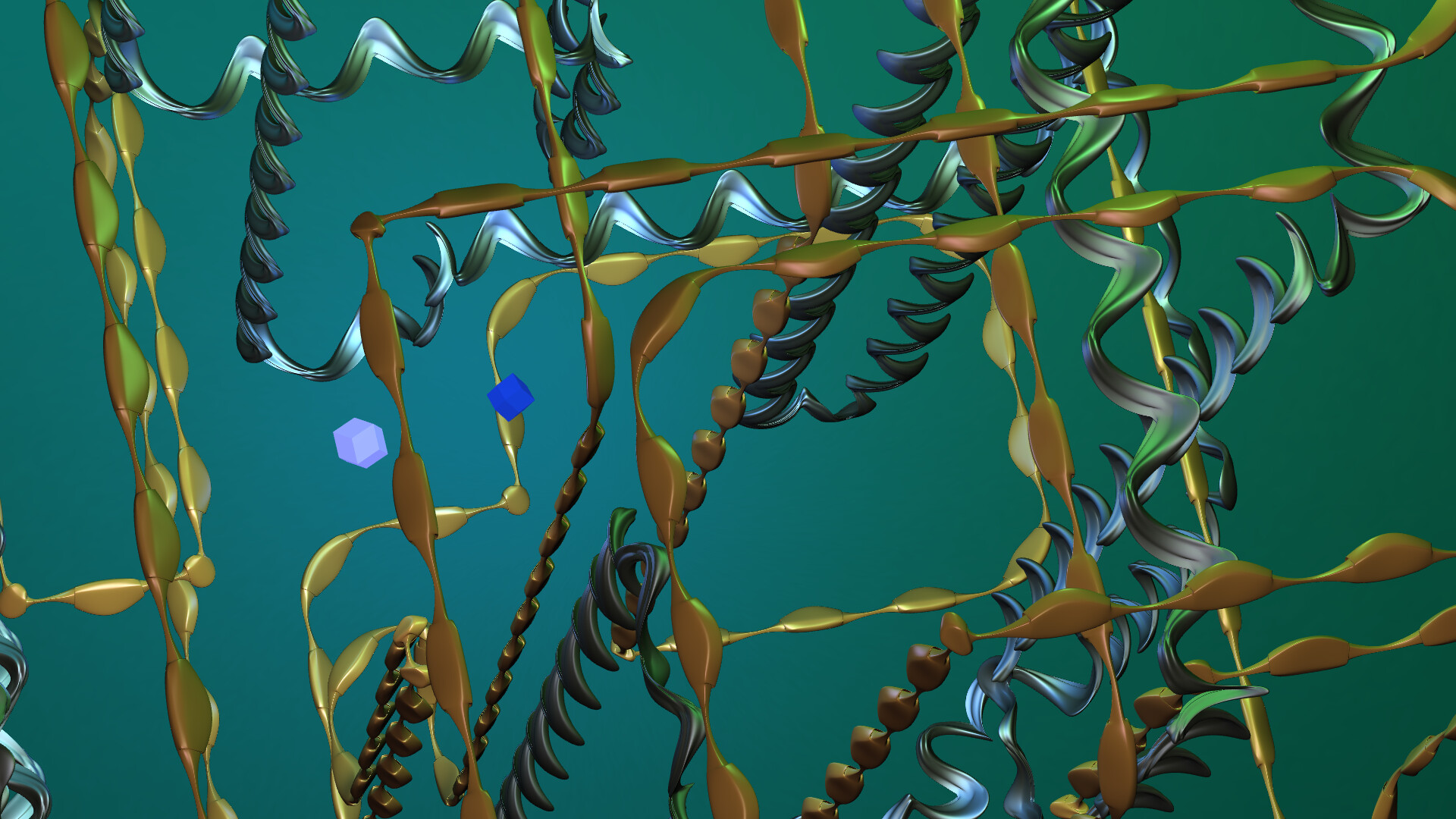
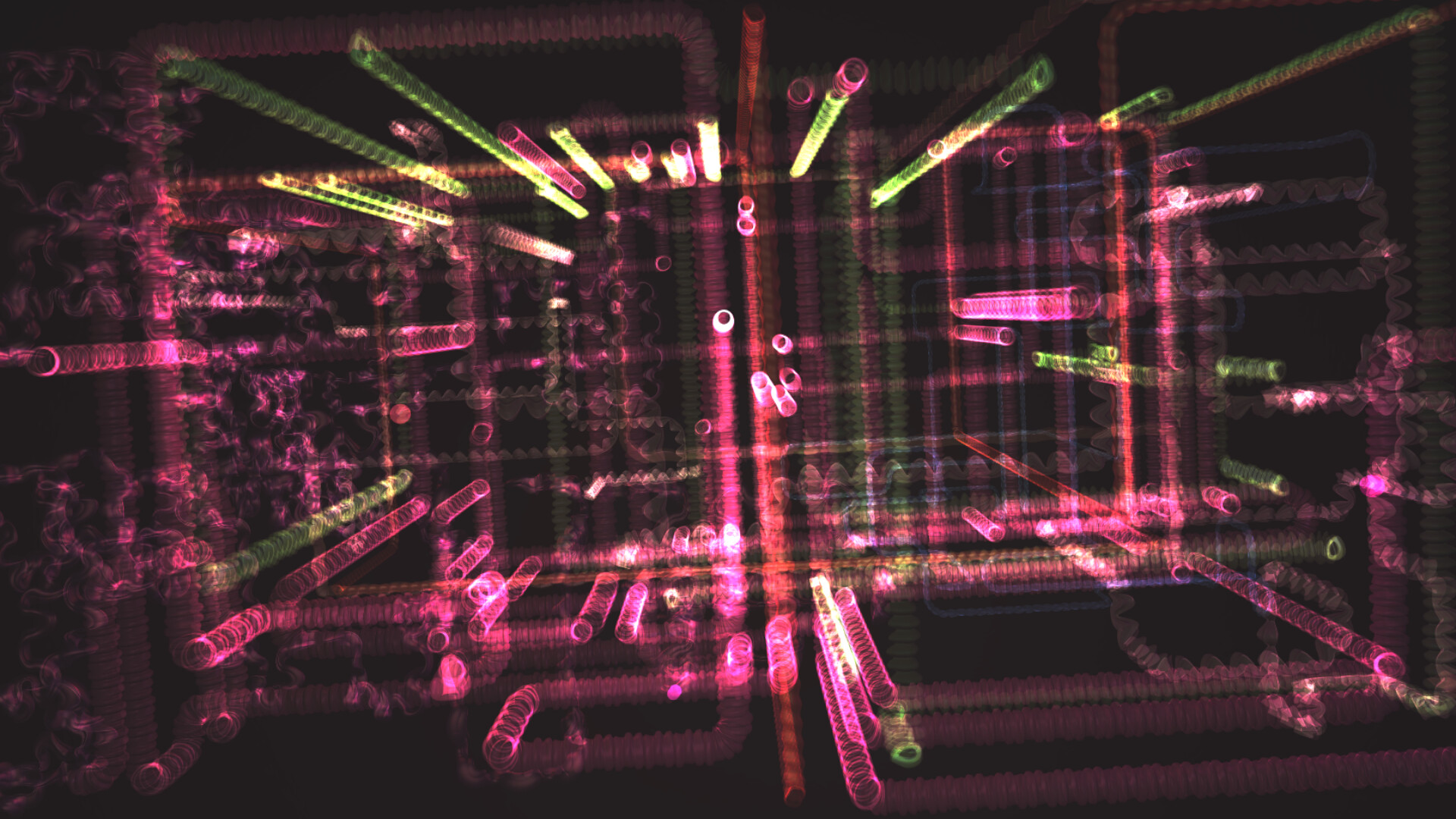
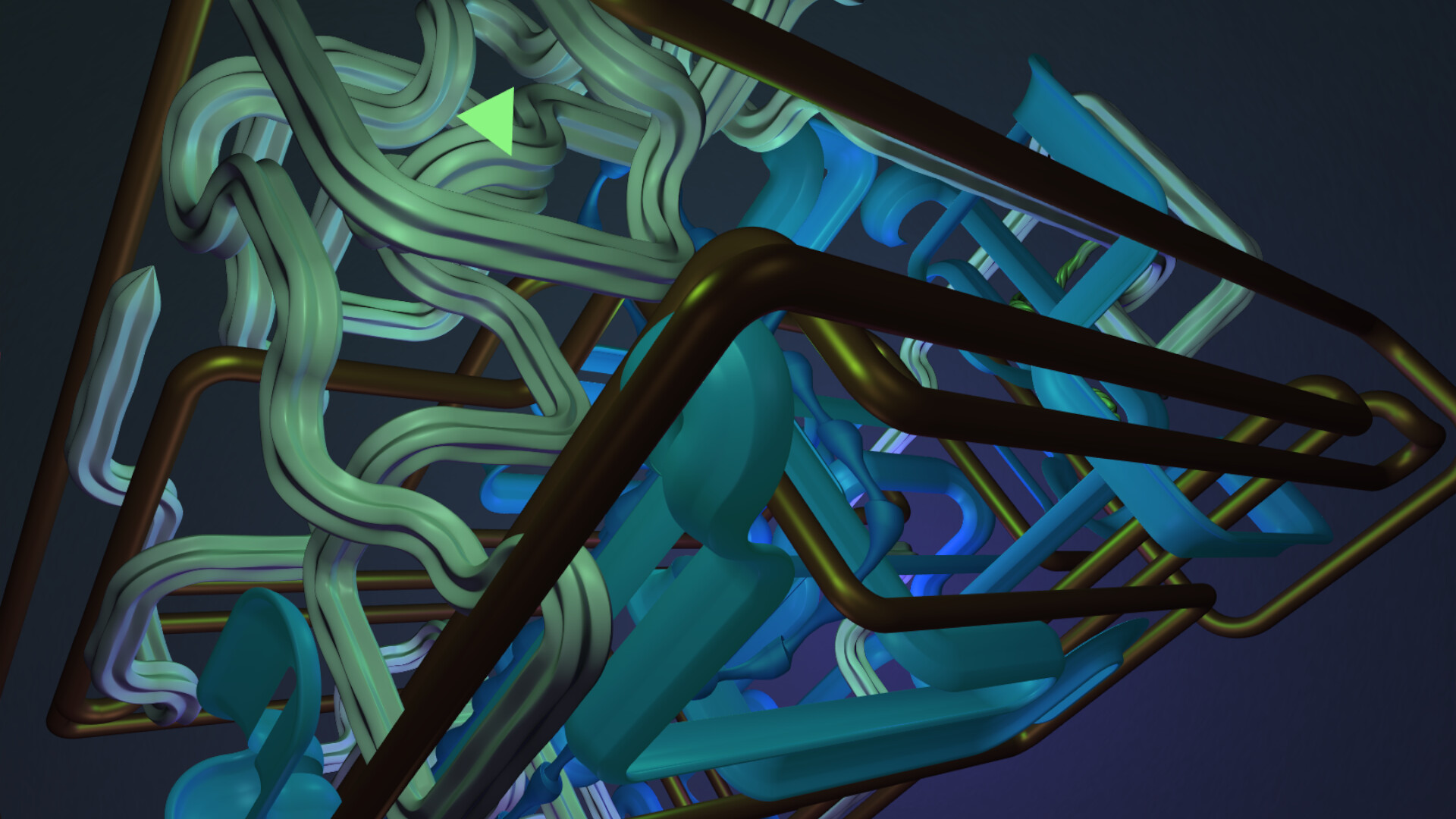
Whether casually along the way, or as the main focus:Lean back and leave everything else to the tubes. Or lean forward and step in. Witness, with this handmade extravaganza of procedural generation, endlessly created, perpetually renewing compositions of countless, unique, tubular shapes and structures, which never have revealed themselves to anybody before. What will randomness pull out of this colorful algorithmic black box?! - Most likely a tube.Anyway, certainly, no two tubes will ever be the same. The tube get to pick it's path - if you want, you pick it's color. Everything is as random as it possibly can be. Also taking part:The platonic solids and many more, like for example Mr. Rhombic Dodecahedron. Furthermore:No game engine - Resource-friendly and practically no loading timeNo AI - Resource-friendly on another level Fake Commentary:"I see no end to it." - Möbius-Strip Klein-Bottle"Hello." - Mr. Rhombic Dodecahedron ... From glassy to al dente and beyond - A ton of space-noodles - No artificial additives - Always freshly prepared - Precisely for you! ... ╔═╦═╬═╦══ Extra Contents: ═╦═╬═╦══╝Eternitubes 3D is included in two ways ... On the one hand as a normal, stand-alone app:Simply, as usual, start and quit it, however you like it.Place the app somewhere on your desktop and remove those annoying window borders.... You can drag the borderless window with the mouse, or enjoy it on a 2nd monitor. On the other hand as a real screensaver, which can be installed in Windows directly:Inside Steam's installation folder for this app, Eternitubes 3D also is included as a screensaver, which can be controlled directly by Windows.In order to navigate to the folder, in your Steam Library, right-click on Eternitubes 3D, select "Manage" and finally "Browse local files".Inside of it, you find the file "Eternitubes3D_Screensaver.scr".Through the file's context menu, accessible by right-clicking on the file, you then can select to install Eternitubes 3D as a Windows screensaver. ╔═╦═╬═╦══ Keyboard Controls (as shown in the footer at the start of the app): ═╦═╬═╦══╝[F11] : Toggle Full-Screen (also works with [F])[F10] : Toggle Borderless Window (also works with [B])[F9] : Toggle Always-On-Top (also works with [T])[F12] : Take A Screenshot ... How about a new wallpaper!? To be found inside Eternitubes 3D's installation folder.[S] : Skip Scene ... Every now and then.[P] / [M] : Increase / Decrease Speed (also [Num+] / [Num-]) ... There are a couple of predefined speeds, you can step through. From as fast as a photon to slow as an earthworm.[000-999] : Set A Tube Color - roughly speaking ... Enter a 3-digit combo and the next tube will be colored accordingly Of course always with a little bit of randomness added here and there. - More in the Docs inside the installation folder. ╔═╦═╬═╦══ Further Technical Details: ═╦═╬═╦══╝In case of a multi-monitor setup, the screensaver extends across all monitors.I have successfully tested Eternitubes 3D with Proton on Linux. It runs just like it should!
Из Steam
Скриншоты
Перед запуском
Подойдёт ли мне
- Русский текст
- Указан в Steam
- Русская озвучка
- Не отмечена в полученных данных
- Кооператив
- Нет подтверждённых данных
- Число игроков
- Магазин не указал точное число
- Одиночная игра
- Есть
- Геймпад
- Нет подтверждённых данных
- Прохождение
- Время пока неизвестно
Игроки Steam
Что говорят сейчас
Проверено 15.10.2026 00:34 UTC. Данные давно не обновлялись.
Слишком мало свежих отзывов для вывода о тенденции.
Почему игра в ленте
- Сейчас нет действующего сигнала.
Значимые обновления
Динамика цены и онлайна
Моя добыча
Проверенные предложения
Промокоды
Выбор по ситуации
Подборки
Каталог Looted