
Игры, которые
стоит забрать
Отбираем лучшее: скидки, раздачи и неожиданные хиты.
Экономим время. Лутаем лучшее.
Во что поиграть вечером
Ещё стоит залутать
CityExplorer
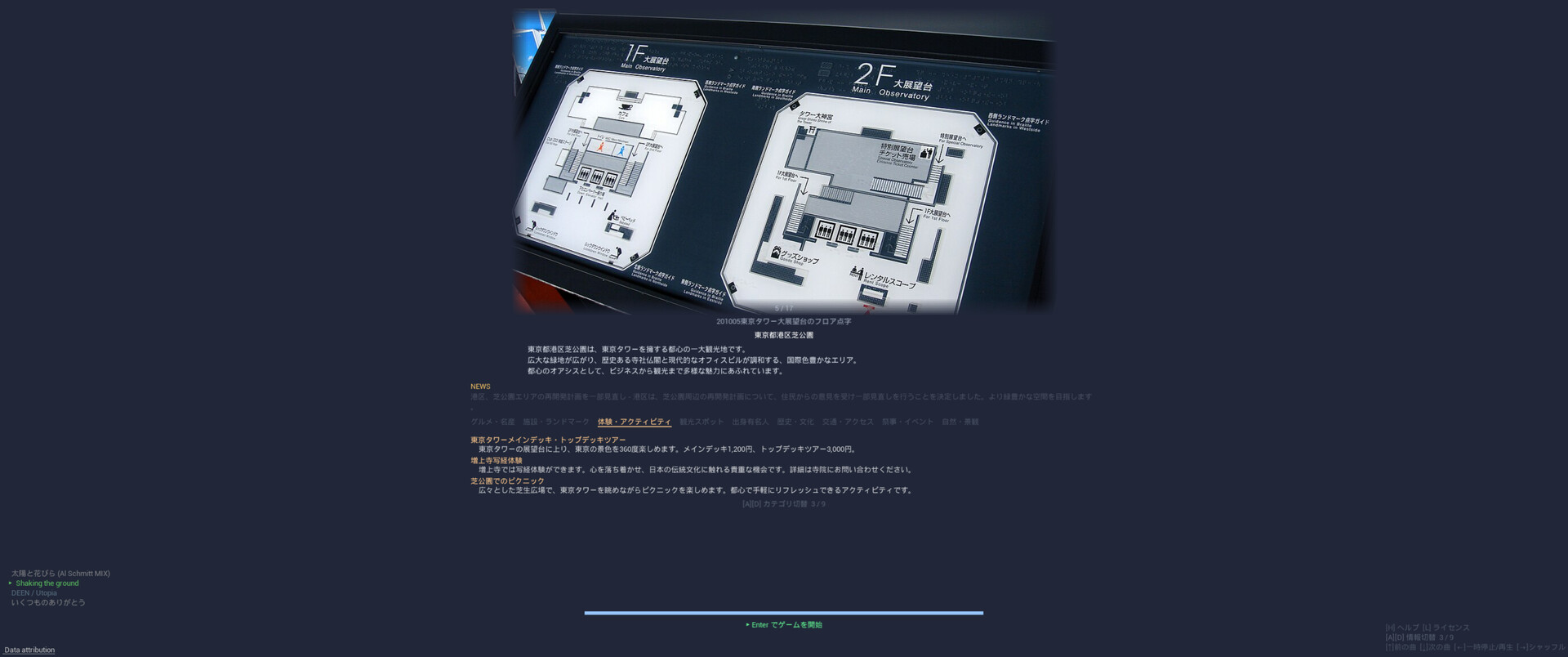
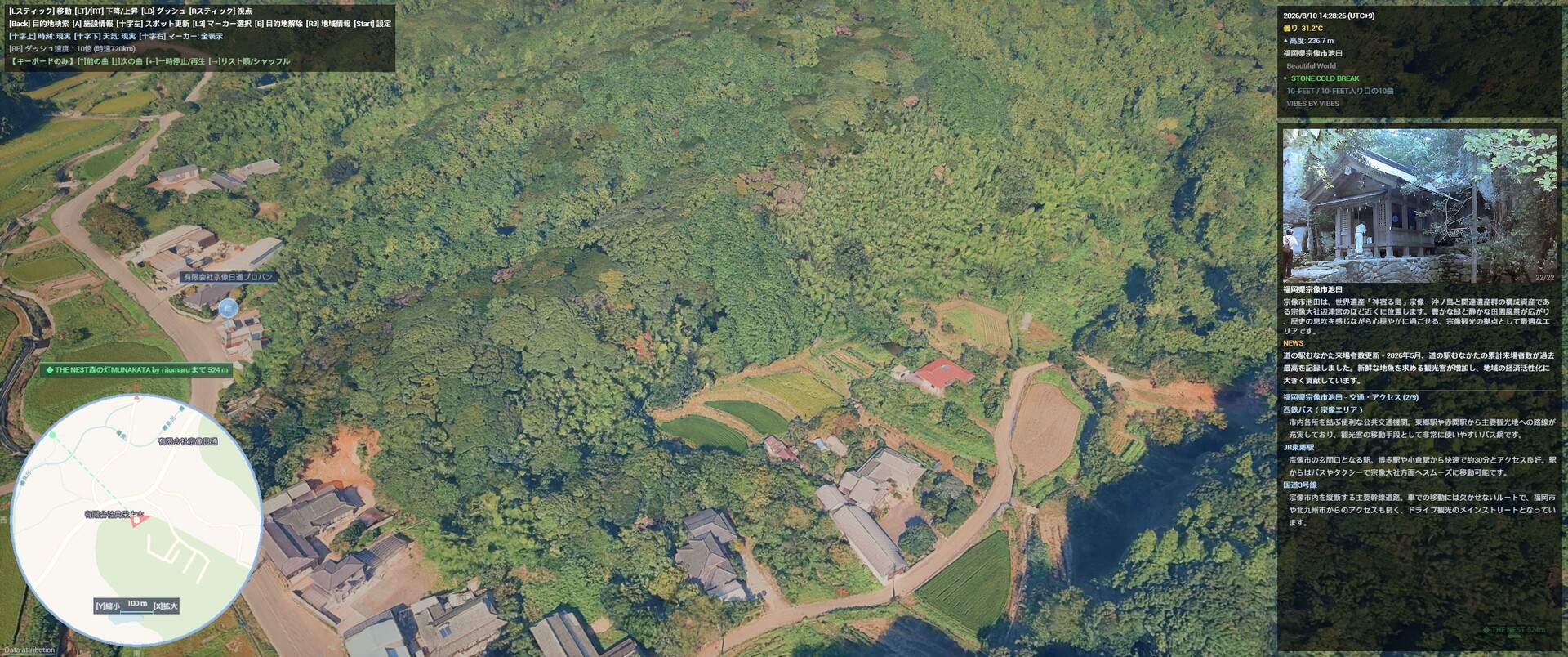
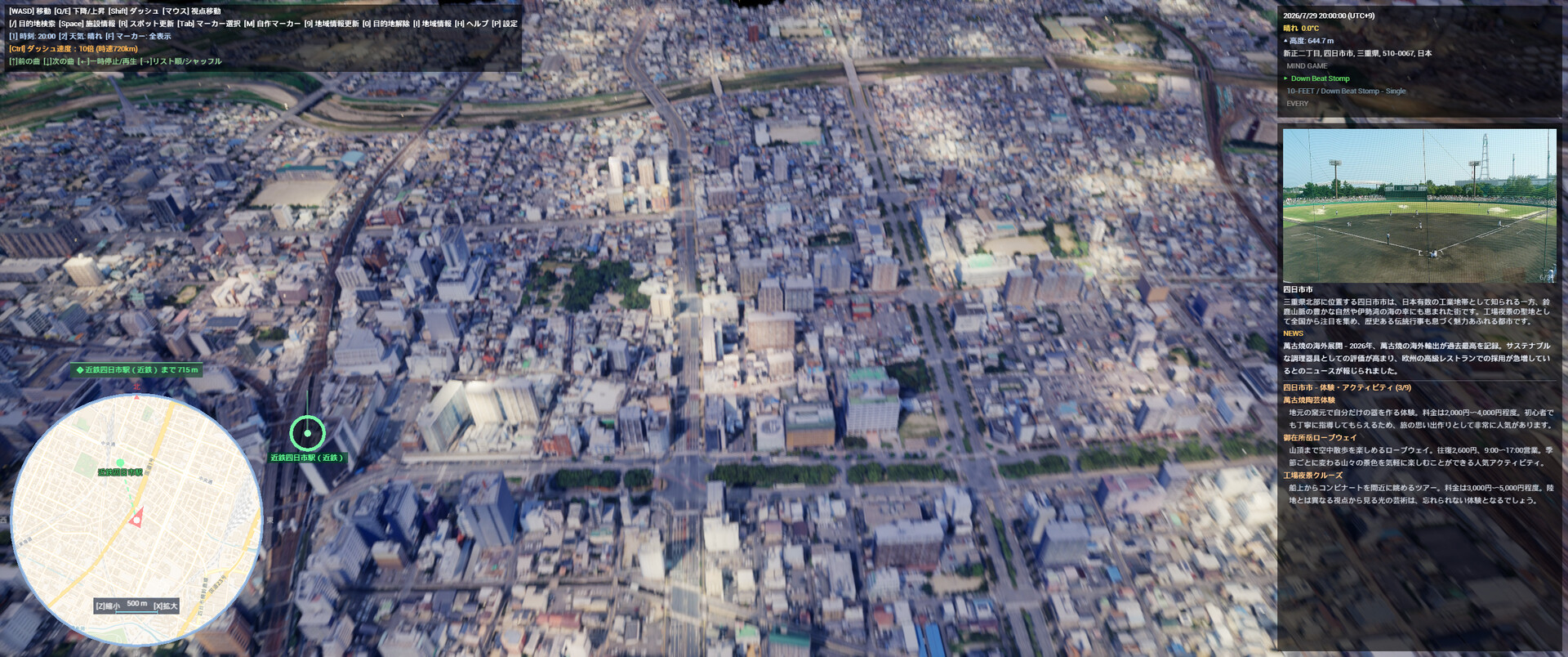
CityExplorer is a simulator that allows you to freely explore photorealistic 3D urban spaces from a drone's-eye view. Featuring a real-time day/night and weather system reflecting actual weather data and sun positions, AI-guided regional information panels, and POI (Point of Interest) markers for restaurants, tourist spots, and public facilities, this tool can be used for everything from pre-travel research to virtual sightseeing.CityExplorer - Gameplay & Practical Use GuideFrom virtual exploration to practical utility, there are many ways to enjoy CityExplorer.Chapter 1: Gameplay & Entertainment1-1. Virtual Travel & SightseeingCityExplorer is the ultimate virtual travel tool, allowing you to fly over and explore cities around the world from the comfort of your home.Instant Teleportation: Simply enter the name of a city or tourist spot in the search bar to travel there instantly.Real-Time Weather & Time Cycles: Experience the actual "now" of any location with real-time weather and day/night cycles.AI Loading Screen Guide: The AI automatically provides information on local specialties, tourist attractions, and festivals during loading screens.Night View Mode: Enjoy the mesmerizing and magical nightscapes of global cities.Rain Mode: Experience the unique atmosphere of cities in the rain.1-2. Photo Mode & Creative CompositionFind beautiful scenery, take screenshots, and build your own collection.Full Environment Control: Freely adjust the time of day and weather to create the perfect scene.Realistic 3D Visuals: Immerse yourself in highly detailed 3D imagery of global cities.Vibrant Nightscapes: Commercial districts illuminated by neon lights at night are highly recommended shooting spots.Custom Markers: Adjust your altitude to find the perfect angle, and save your favorite locations using custom markers.1-3. Hidden ModeBy entering specific commands, you might unlock a completely different way to enjoy the simulator...!Chapter 2: Practical Applications2-1. Pre-Travel & Sightseeing ResearchThe perfect tool for scouting and planning your next real-world trip.3D Layout Preview: Check the streetscapes, terrain, and scale of your destination in full 3D beforehand.POI Markers: Easily locate restaurants, tourist attractions, and public facilities.Detailed Info (Spacebar): Access official websites and photos for specific locations.Favorites List: Create and manage a customized "places to visit" wishlist.AI Insights: Learn about regional specialties and festivals ahead of time through the loading screen AI.2-2. Geography & Educational UseAn excellent educational tool for studying geography and urban development.3D Topography: Gain a three-dimensional understanding of the terrain and geographical features of cities worldwide.Diverse Landscapes: Learn experientially by exploring varied terrains such as mountainous areas, coastlines, and plains.Cultural Integration: Study geography and culture simultaneously using information for each region.Real-Time Data Display: Understand geographical relationships with real-time displays of altitude, address, and latitude/longitude.2-3. Location Scouting for Photography & VideographyA powerful tool tailored for photographers, filmmakers, and video creators.Lighting Simulation: Check lighting conditions at your shooting spot by changing the time of day (Morning, Noon, Evening, Night).Weather Simulation: Simulate environments under sunny, cloudy, or rainy conditions.Composition Testing: Virtually test framing and compositions for aerial and drone photography.Location Management: Automatically generate markers from geotagged photos to manage your shooting locations.2-4. Real Estate & Neighborhood ResearchAerial Inspection: Check the neighborhood atmosphere and surrounding environment of areas you are interested in from above.Surrounding Amenities: Get a comprehensive overview of nearby POIs such as stations, commercial facilities, and parks.Compare Areas: Add multiple locations to your favorites to compare them easily.2-5. Game Development & 3DCG Reference MaterialUrban Modeling Reference: Observe 3D cities as reference material for urban modeling.Urban Layouts: Gain a bird's-eye view of building density, road patterns, and green space distribution.Lighting Reference: Utilize the dynamic light source shifts of the day/night and weather systems as lighting references.After purchasing on Steam, you automatically receive a Welcome Pack. Each feature has a separate usage quota. Additional quota packs can be purchased via Steam in-game purchase.You can use a controller with this game, but a mouse and keyboard are still required.
Из Steam
Скриншоты
Перед запуском
Подойдёт ли мне
- Русский текст
- Нет подтверждённых данных
- Русская озвучка
- Не отмечена в полученных данных
- Кооператив
- Нет подтверждённых данных
- Число игроков
- Магазин не указал точное число
- Одиночная игра
- Есть
- Геймпад
- Частичная поддержка
- Прохождение
- Время пока неизвестно
Игроки Steam
Что говорят сейчас
Проверено 18.10.2026 04:07 UTC. Данные давно не обновлялись.
Слишком мало свежих отзывов для вывода о тенденции.
怎么进去游戏后,显示连接服务器中,请稍后,一直这样
Отзыв · рекомендует
Почему игра в ленте
- Сейчас нет действующего сигнала.
Значимые обновления
Динамика цены и онлайна
Моя добыча
Проверенные предложения
Промокоды
Выбор по ситуации
Подборки
Каталог Looted